Create your own ecommerce website and start selling successfully with ShopWired today


13 Ways To Combat Shopping Cart Abandonment
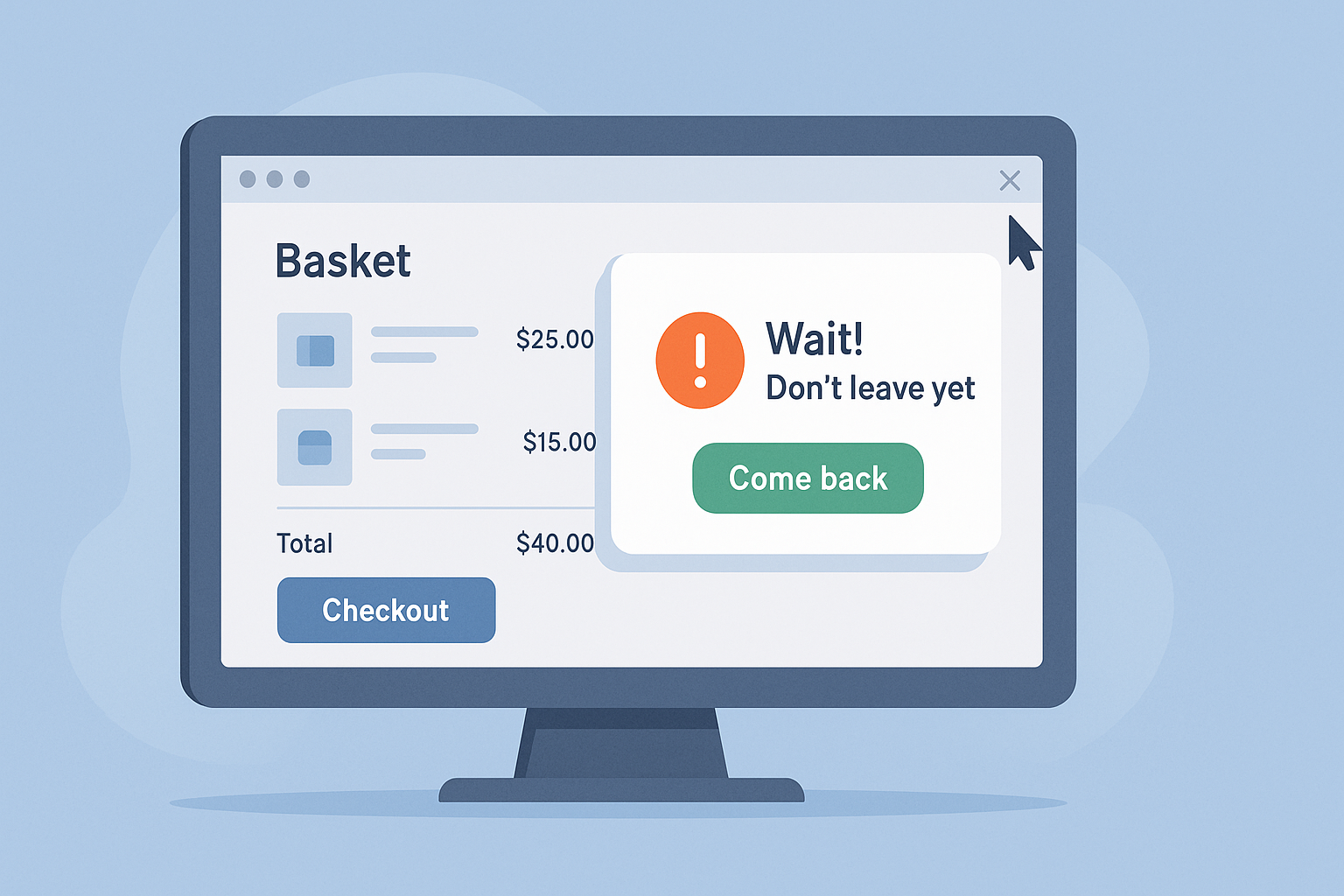
You’ve done the hard part. Someone found your store, browsed your products, clicked “Add to Cart”... and then left.
No sale. No explanation. Just silence.
It’s one of the most frustrating parts of running an online store — and unfortunately, it’s also one of the most common. In 2023, around 70% of online shopping carts were abandoned, meaning most people who show interest never completed their purchase.
Sometimes it’s because of hidden costs. Other times it’s slow checkout pages, too many form fields or being forced to create an account. But whatever the reason, cart abandonment adds up fast — and it costs ecommerce businesses millions every year.
The good news? A lot of it is fixable.
In this guide, we’ll walk through 13 practical ways to reduce shopping cart abandonment on your store. No fluff, no guesswork — just simple changes that make it easier for people to finish what they started.
Table of Contents
- Why Do Shoppers Abandon Their Carts?
- 13 Ways to Reduce Shopping Cart Abandonment
- 1. Show All Costs Upfront
- 2. Let People Check Out as Guests
- 3. Keep the Checkout Process Simple
- 4. Offer More Payment Options
- 5. Use Exit-Intent Offers
- 6. Send Abandoned Cart Emails
- 7. Offer Buy Now, Pay Later
- 8. Reassure Customers with Trust Signals
- 9. Optimise for Speed and Mobile
- 10. Let Customers Save Their Cart
- 11. Show a Progress Indicator
- 12. Offer Help in the Moment
- 13. Test and Tweak What Isn’t Working
- Final Thoughts
Why Do Shoppers Abandon Their Carts?
Before we look at ways to fix it, let’s look at what’s actually going wrong.
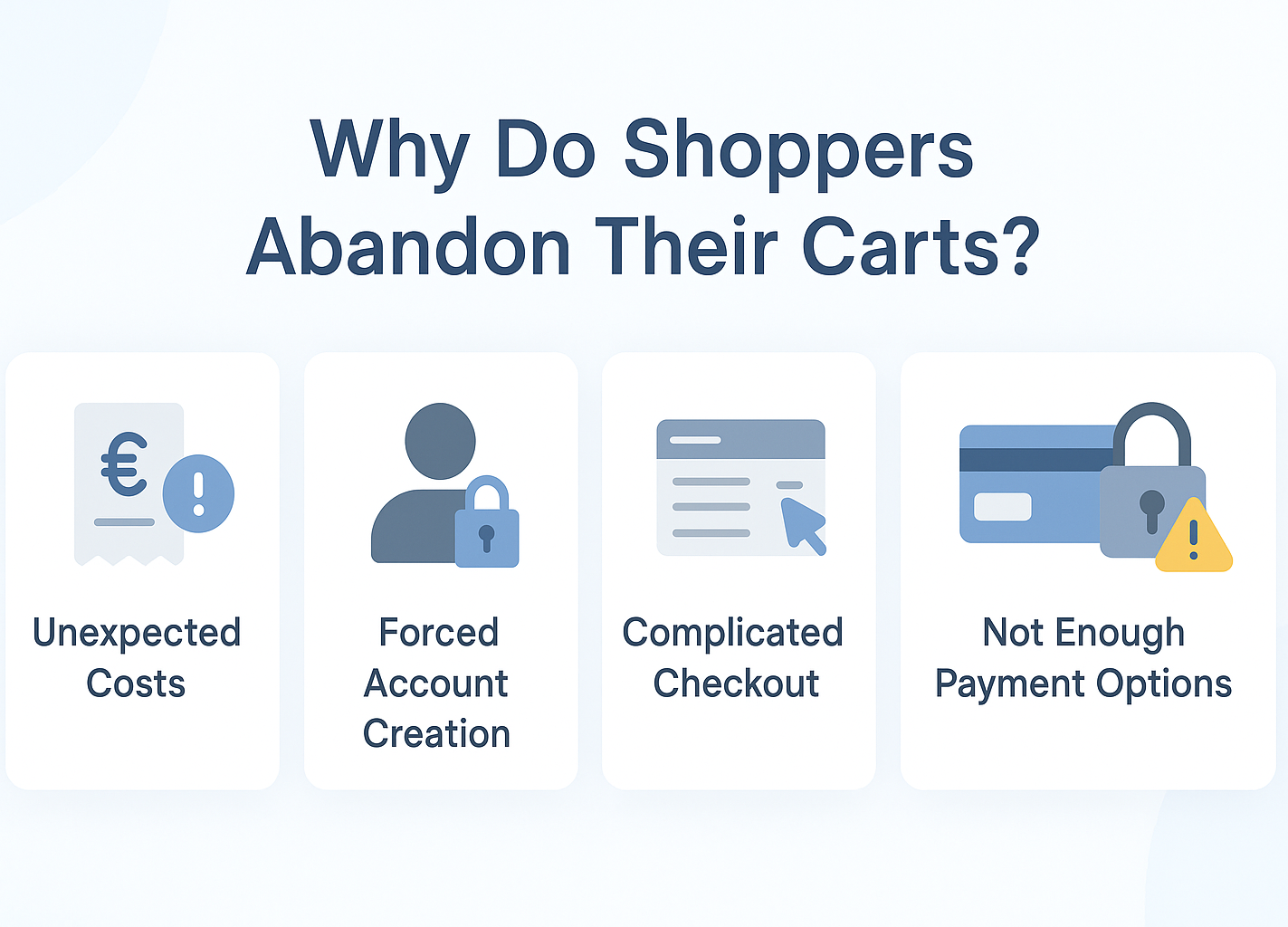
When someone abandons their cart, it’s rarely random. Most of the time, there’s friction — something that breaks the flow, triggers doubt or makes the customer stop and think, “I’ll come back later.” And of course, they usually don’t.
Here are some of the most common reasons:
Unexpected costs
If extra charges like shipping, tax or service fees only appear at the last minute, customers can feel misled. Even small changes can put potential buyers off.
Forced account creation
Not everyone wants to set up an account just to buy something. For someone in a hurry, being forced to register can feel like unnecessary friction and can cause them to leave.
Complicated checkout experience
If your checkout process is complicated and has unnecessary steps, people are more likely to leave. Keep it streamlined and straightforward.
Not enough payment options
If someone doesn’t see their preferred payment method—whether that’s a digital wallet, credit card or pay-later option—they may not take the time to find another way.
Lack of clarity or trust
When there’s no mention of returns, no visible reviews and nothing to reassure them the site’s secure, customers may hesitate. If they don’t feel confident, they won’t complete the purchase.
13 Ways to Reduce Shopping Cart Abandonment
Now that we’ve seen why people abandon their carts, let’s look at what you can actually do to fix it. These 13 strategies can help remove friction, build trust, and encourage customers to complete their purchase.
1. Show All Costs Upfront
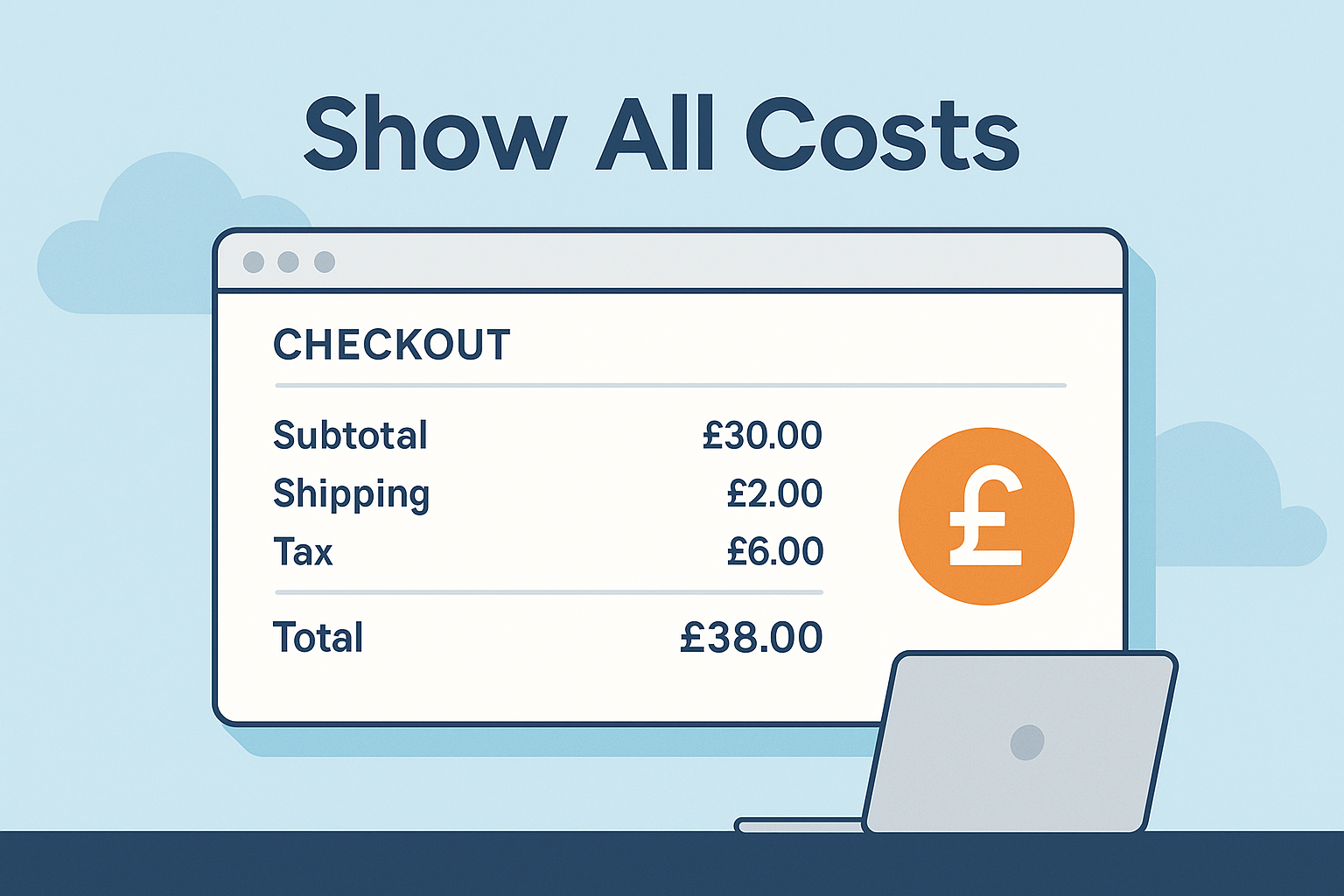
If your customers are only seeing delivery charges, taxes or hidden fees at the final step, it can feel like a surprise — and not a good one.
Be transparent from the start. Display estimated shipping costs early in the process, or offer a delivery calculator before checkout that changes in real-time when users select different delivery options. It helps set expectations and prevents last-minute drop-offs from price shock.
2. Let People Check Out as Guests
Requiring customers to create an account can slow them down or feel like an unnecessary step — especially if they’re in a hurry or only planning to buy once.
Give shoppers the option to check out as a guest. You can still offer the chance to create an account later, after the sale, when there’s less friction.
3. Keep the Checkout Process Simple
A complicated or clunky checkout flow can frustrate even the most motivated shoppers. Long forms, multiple steps or unclear instructions can all cause people to quit before completing their purchase.
If it feels frustrating or looks overwhelming, it's probably time to streamline your checkout setup. Stick to the essentials. Make sure your checkout is fast, intuitive and easy to follow — especially on mobile. Every extra click is a chance to lose a customer.
4. Offer More Payment Options
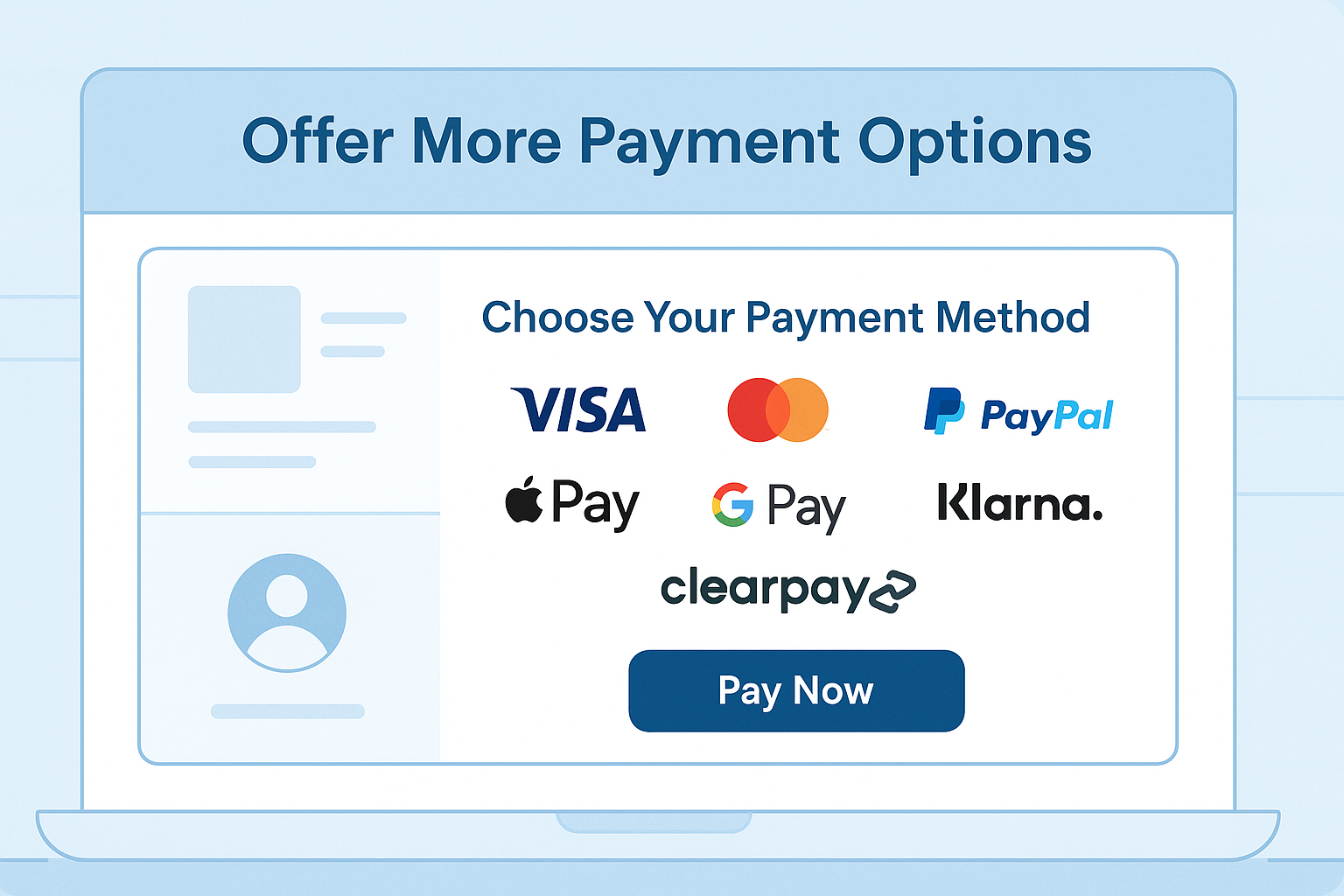
If someone doesn’t see their preferred way to pay, they might not bother looking for another.
Make sure your checkout supports a variety of payment methods — from credit and debit cards to PayPal, Apple Pay, Google Pay and Buy Now, Pay Later options like Klarna or Clearpay.
The more flexible you are, the easier it is for someone to say yes.
5. Use Exit-Intent Offers
If someone’s about to leave without buying, an exit-intent popup can give them a reason to stick around.
You might offer free shipping, a small discount or a reminder that stock is limited. These quick nudges can be the difference between a lost sale and a recovered one.
6. Send Abandoned Cart Emails
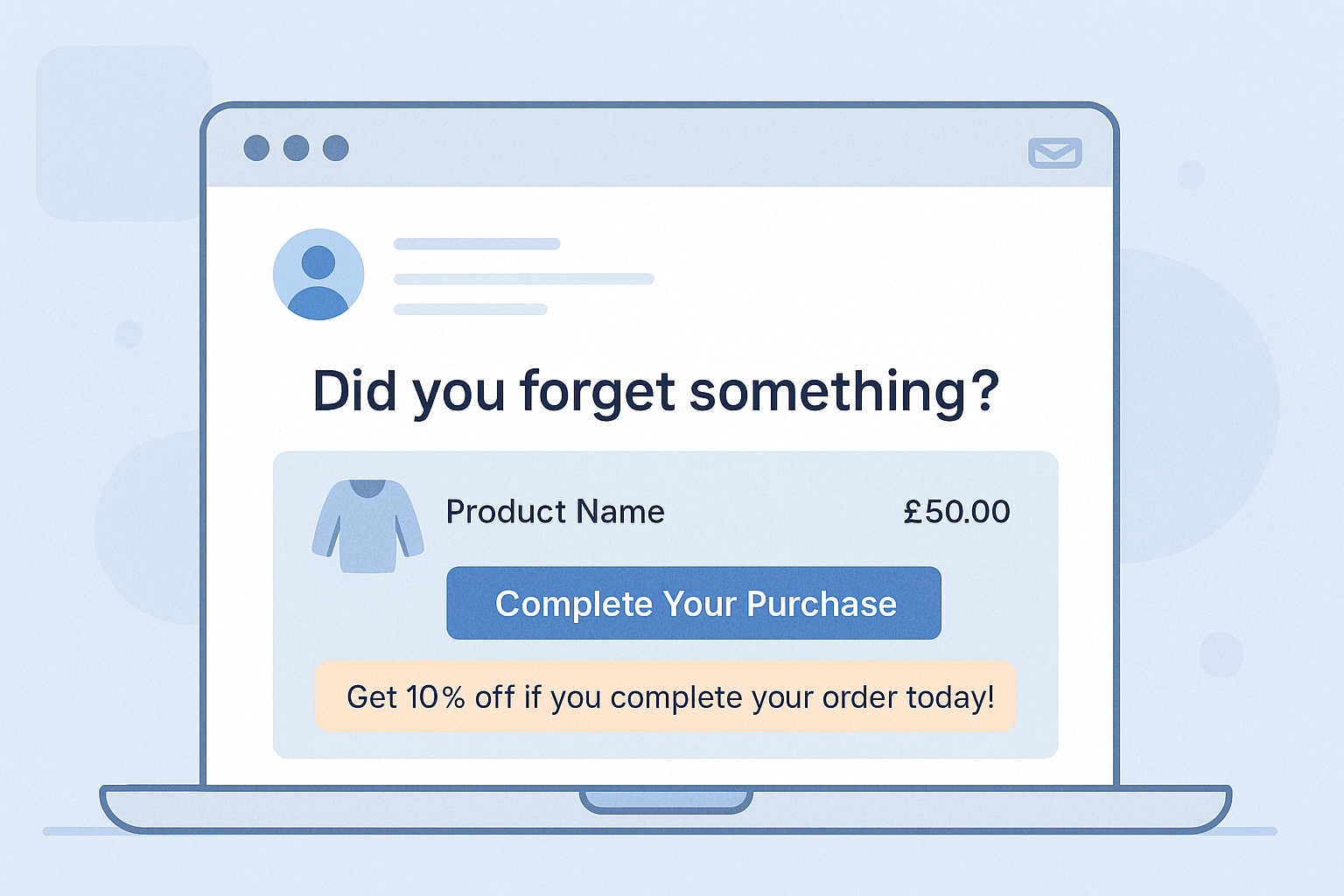
Sometimes people just need a reminder. Set up automated emails that follow up with shoppers who left items behind — (ideally within an hour or two).
Keep it simple, personal and focused on helping them complete the order. Include product images, a clear call-to-action and, where appropriate, an incentive to return.
7. Offer Buy Now, Pay Later
For higher-priced products, affordability can be a sticking point. Letting customers spread the cost over time through services like Klarna or Clearpay removes a key barrier and boosts the chances that they'll make the purchase.
Just make sure these options are visible during checkout and across your website so people know they’re available before making the decision to leave.
8. Reassure Customers with Trust Signals
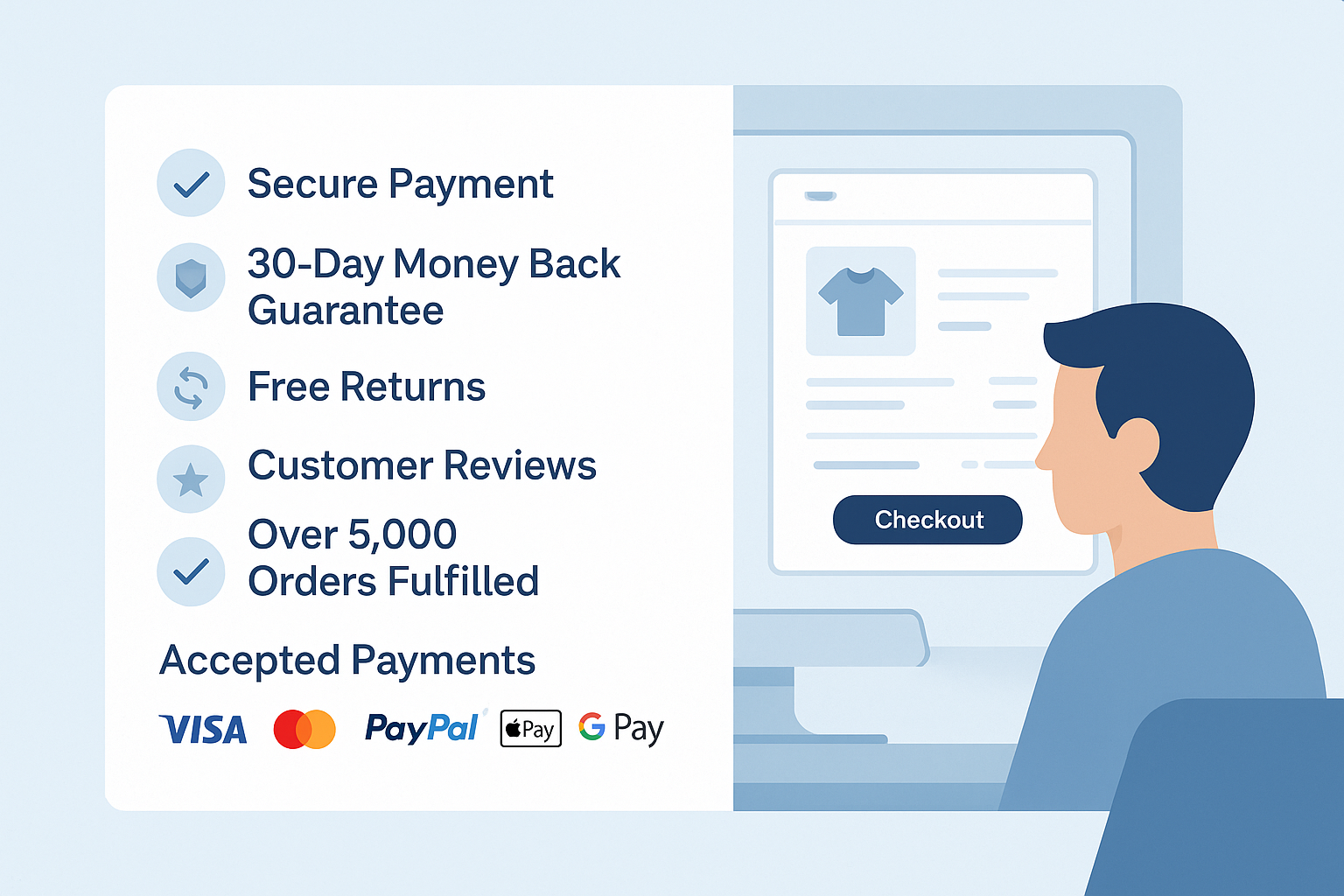
Shoppers need to feel confident that your business legit, secure, reputable and customer-orientated. This is especially true if if they’re buying from you for the first time.
Include visible signs of trust on your website in key locations. These might include secure payment icons, money-back guarantees, clear return policies and product reviews. Even a simple line or pop-up stating “Over 5,000 orders fulfilled” can help build credibility fast.
9. Optimise for Speed and Mobile
Speed is only part of it, though. If you’re not offering mobile-friendly payment options like Apple Pay, Google Pay or PayPal, you could be missing out. These are often saved on a shopper’s device, meaning they can complete a purchase in seconds with Face ID or a fingerprint.
The smoother and faster the process feels, the less likely someone is to drop off.
10. Let Customers Save Their Cart
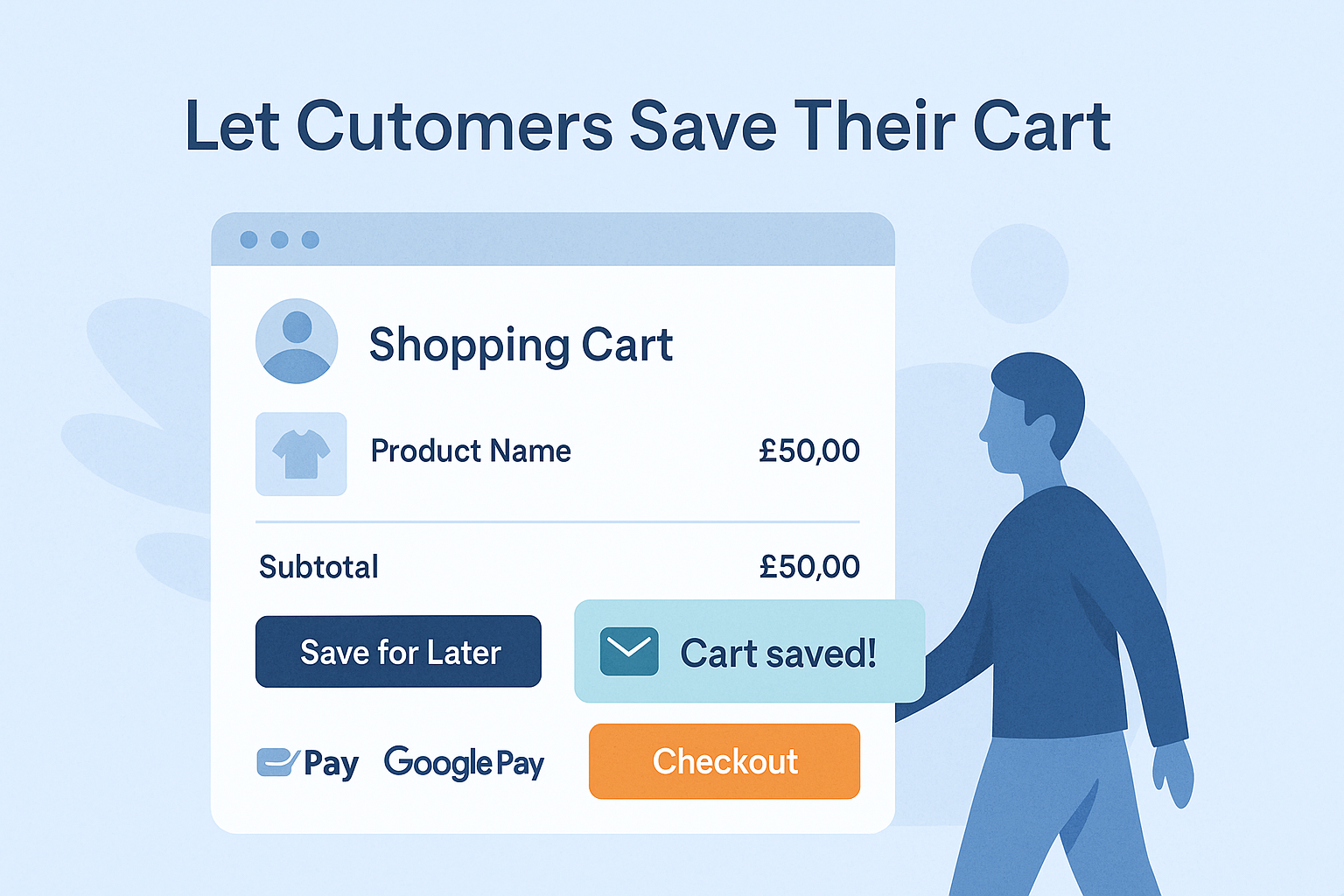
Some shoppers just aren’t ready to buy right away — but that doesn’t mean the sale is lost.
They might be comparing prices, waiting for payday or simply not quite ready to commit. Give them the option to save their cart or email it to themselves. It keeps the door open and makes it easy for them to return and pick up where they left off without starting from scratch.
11. Show a Progress Indicator
If your checkout involves multiple steps, show customers where they are in the process. A simple progress bar reduces uncertainty and helps people feel like they’re nearly done — which makes them more likely to finish.
12. Offer Help in the Moment
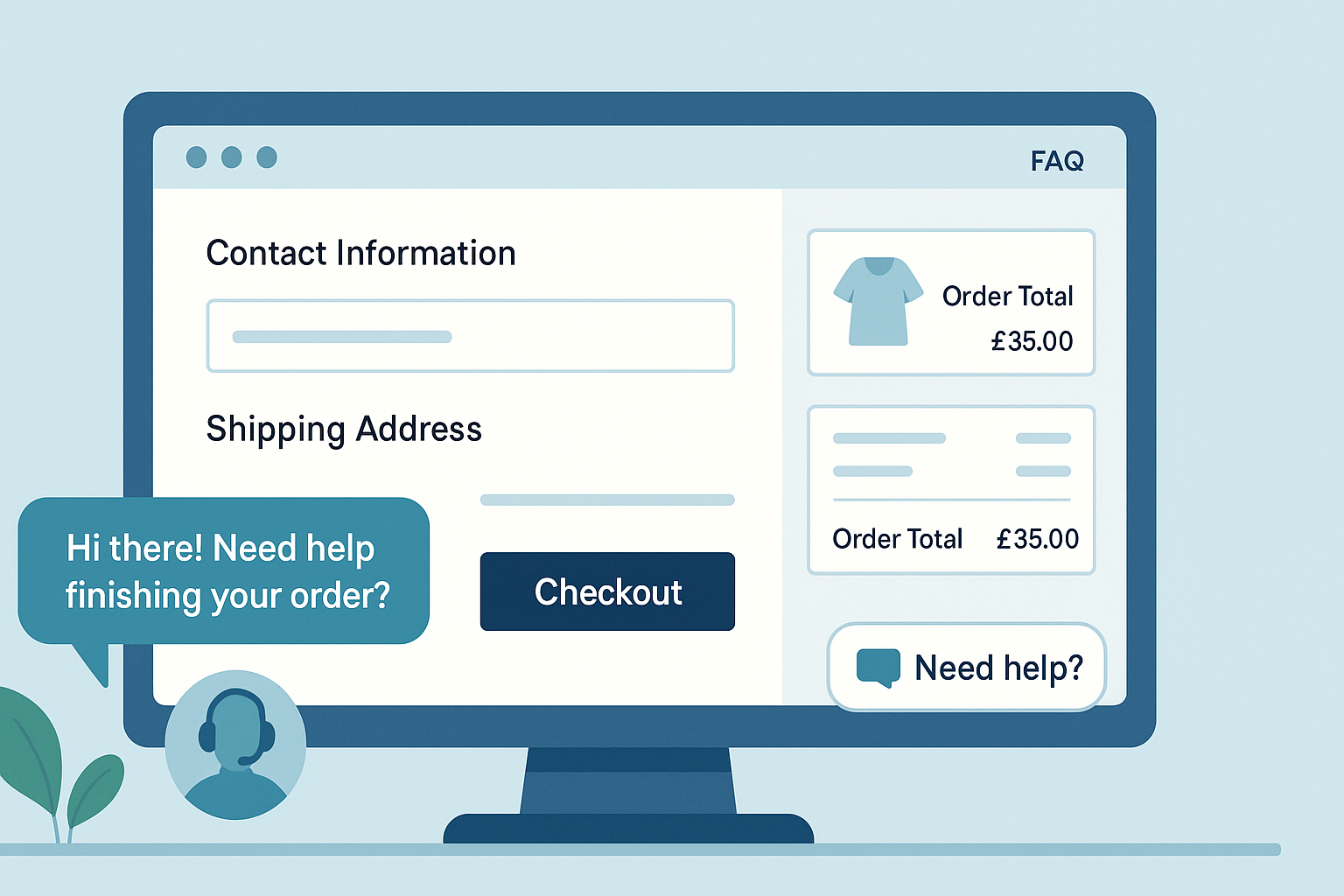
If someone has a last-minute question and there’s no easy way to ask, they might abandon the cart entirely.
Live chat, a visible FAQ link or even a “Need help?” message during checkout can reduce friction and give people the confidence to continue.
13. Test and Tweak What Isn’t Working
Even if your checkout performs well, there’s always room to refine and improve.
Look at where people are dropping off and test small changes — whether that’s button text, layout, field order or delivery options. Running A/B tests can help you spot what’s working and what’s getting in the way.
Over time, these small tweaks can lead to smoother checkouts and better conversion rates.
Final Thoughts
Unfortunately, cart abandonment will always be a common occurrence in ecommerce — but that doesn’t mean you can't minimise it. In most cases, it’s caused by friction, doubt or hesitation that could be avoided with a few simple changes.
Whether it’s making your checkout easier to navigate, offering more payment options or setting up reminder emails, each of these small improvements can add up to fewer lost sales and more completed orders.
If you’re using ShopWired, you’ve already got access to features like abandoned cart emails, flexible payment integrations and mobile-optimised checkout templates — so you can put these strategies into action without needing extra tools.
If you're not with ShopWired already, here's a no-obligation 14-day free trial. Give us a try!
Ready to reduce your cart abandonment rate? Start with just one or two of the ideas above and build from there. Every step makes a difference.