Create your own ecommerce website and start selling successfully with ShopWired today


The Leading Causes of Shopping Cart Abandonment
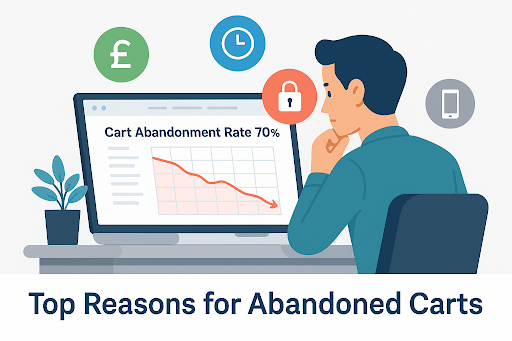
Trying to figure out why people add things to their cart and then just disappear before buying can be so frustrating.
You're not alone. On average, shoppers abandon about 70% of online carts. That’s seven out of every ten people who almost bought something... but didn’t.
In this guide, we’ll explore the most common causes of shopping cart abandonment, explain why they happen and what you can do to help minimise them.
Table of Contents
- 1. Unexpected Shipping Costs at Checkout
- 2. Complicated or Time-Consuming Checkout
- 3. Lack of Trust or Security Signals
- 4. Forced Account Creation
- 5. Poor Mobile Experience
- 6. Limited Payment Options
- 7. No Clear Returns or Refund Policy
- 8. Technical Glitches or Slow Site Performance
- 9. No Guest Checkout Option
- 10. Lack of Urgency or Incentive to Checkout
- Final Thoughts: Turning Abandoned Carts Into Sales
1. Unexpected Shipping Costs at Checkout
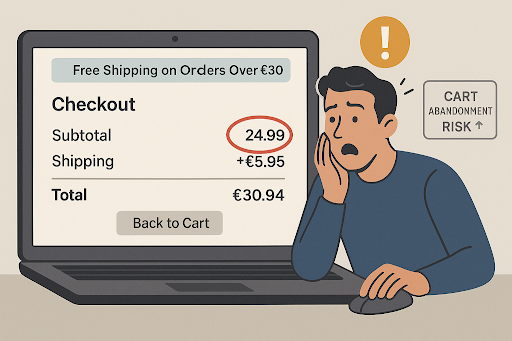
Nothing kills a purchase faster than surprise fees. A customer clicks “checkout,” expecting to pay £24.99… only to be hit with a £5.95 shipping charge they didn’t see coming.
According to research, 48% of cart abandonments happen because of extra costs like shipping, tax and fees, making this the single biggest reason users bail at checkout.
For ecommerce brands, this is a trust and transparency issue. Shoppers don’t like feeling misled, and if the total cost isn’t clear from the outset, they’re likely to abandon the process altogether.
What you can do:
Show shipping costs early- Make delivery fees clear on the product page and across key parts of your website.
Consider free shipping thresholds- Something like a “Free shipping on orders over £30” banner could help reduce drop-off and increase basket value.
Include delivery info sitewide- Add a clear shipping section to your header, footer or a site-wide banner.
Match competitors- If your competitors offer cheaper delivery rates, try and match or better them.
Remember, if shipping costs are an unexpected surprise late on, it could be enough to make potential customers abandon their cart.
2. Complicated or Time-Consuming Checkout
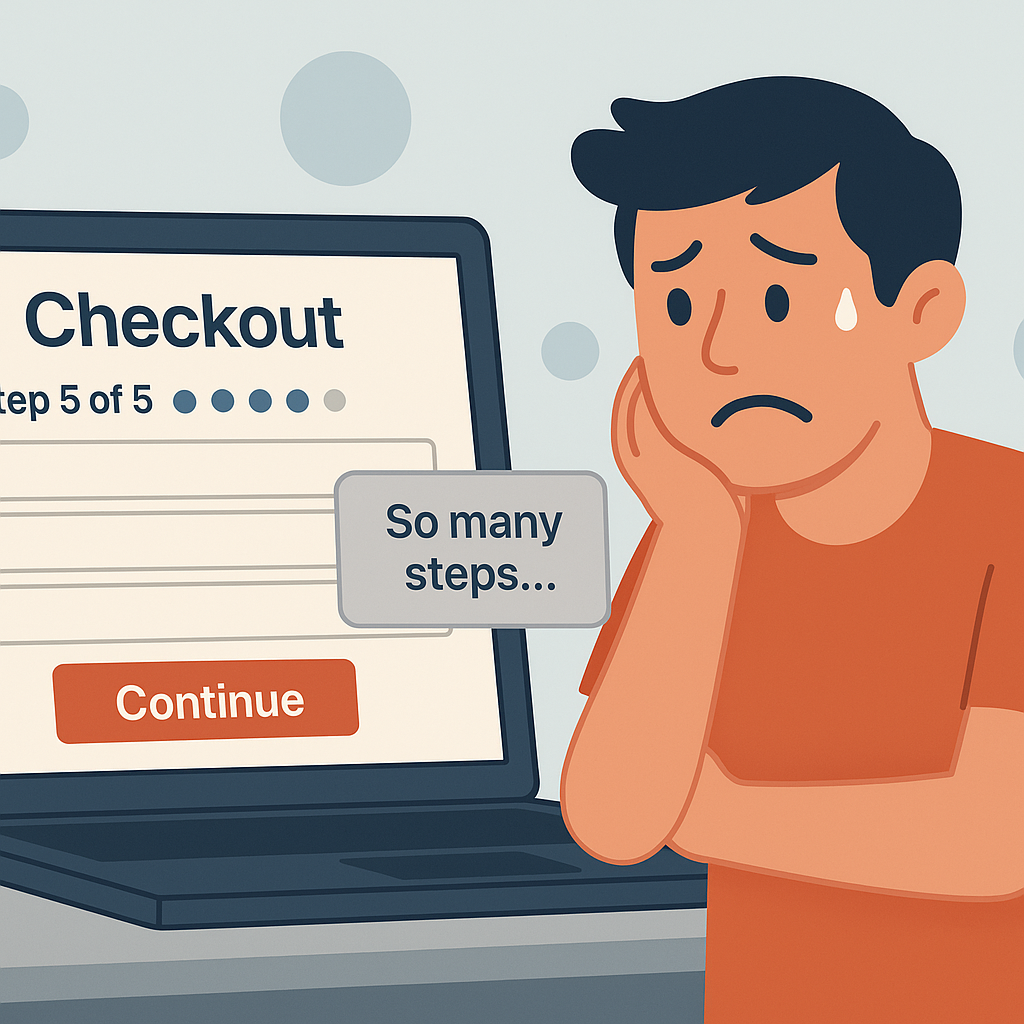
22% of users abandon their cart because the process takes too long or is too complex. If checking out feels like a chore, your customers are more likely to walk away. Long forms, multiple steps forced account creation — all of these create friction that slows shoppers down and increases the chance they’ll abandon their purchase.
You don’t need to strip away every field, but your checkout should feel smooth, fast and focused. .
What you can do:
Offer guest checkout- Forcing account creation adds a step many users don’t want to take. Let people complete their order without registering.
Minimise required fields- Stick to essential information only. Every extra input is an opportunity for frustration or drop-off.
Show progress clearly- If your checkout is multi-step, display a visual progress bar so users know how far they’ve got left.
Auto-fill and auto-detect where possible- Tools like postcode lookup, saved details for returning users or auto-filled email fields can speed things up.
Streamlining your checkout is about more than just speed. You need to make sure it's a frictionless experience for customers that doesn't leave them guessing.
3. Lack of Trust or Security Signals
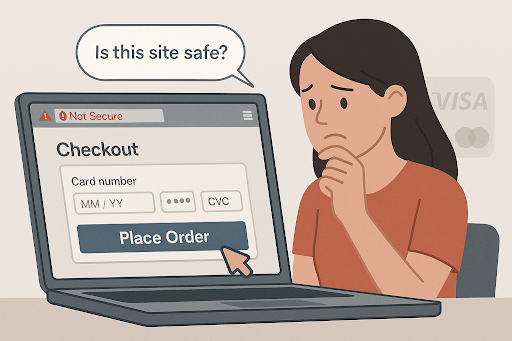
When a customer is ready to hand over their personal details and payment info, they need to feel confident that your website is safe. If anything feels off, it can raise doubts and cause them to leave. Research suggests 19% of online shoppers abandon carts because they didn’t trust the site with their credit card information.
What you can do:
Add trust signals- Include security badges, familiar payment provider logos (like PayPal or Visa), and any relevant certifications.
Make your business feel real- Display contact information, such as a phone number, business address or live chat option to build trust.
Keep branding consistent- A polished design with a clear logo and cohesive colours makes your store appear more professional.
Ensure HTTPS is used throughout- Ensure every page on your site is secure to avoid browser warnings or user suspicion.
Customers often make snap judgements. Even if your store is perfectly legitimate, subtle issues with trust signals can lead to hesitation and lost conversions.
4. Forced Account Creation
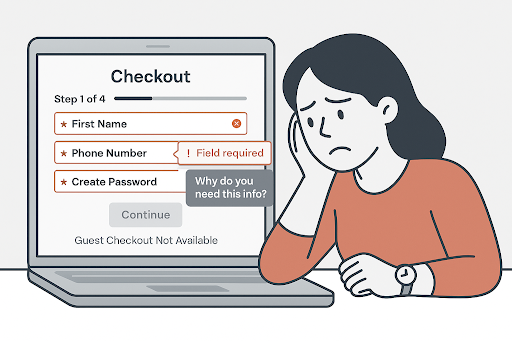
Few things feel more annoying than reaching the checkout only to be told you have to create an account. For new customers, it's an extra step that often leads to frustration and drop-off. A recent study suggested 19% of shoppers abandon their cart when they're forced to register an account.
What you can do:
Offer guest checkout- Let users buy without signing up. It removes friction and makes the process feel smoother.
Promote the perks post-purchase- After checkout, encourage account creation by highlighting benefits like order tracking or faster reorders.
Avoid making it feel like a trap- If sign-up is optional, make that clear upfront to build trust and reduce bounce.
Keeping checkout simple shows customers you value their time. It’s a small change that can make a big impact on conversions.
5. Poor Mobile Experience
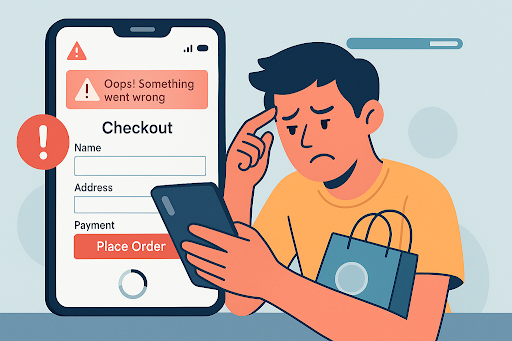
Mobile shoppers expect speed, clarity and convenience. If your site lags, doesn't look good on mobile displays or requires awkward zooming and tapping, users are far more likely to give up and abandon their cart.
Mobile users abandon carts 15.9% more often than desktop users according to recent data, highlighting just how important it is for your website and checkout process to be optimised for mobile.
What you can do:
Design for mobile first – Make sure your landing and checkout pages are responsive and touch-friendly across all devices and screen sizes.
Optimise performance – Compress images and minimise scripts to reduce load times and lag.
Use mobile-friendly payments – Offer Apple Pay, Google Pay or PayPal for one-tap checkout on mobile.
Even small mobile UX tweaks can make a big difference. A smoother mobile journey = fewer drop-offs.
All ShopWired themes are fully responsive and built to perform across mobile devices out of the box.
6. Limited Payment Options
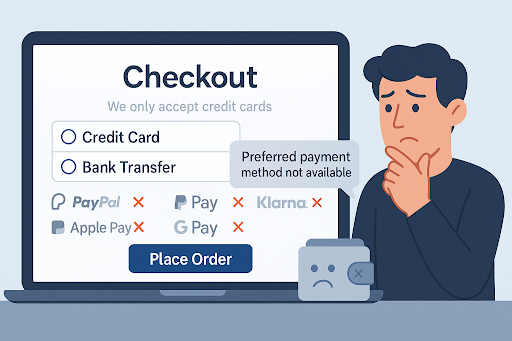
When customers reach the checkout and don’t see their preferred payment method, it can be an instant deal-breaker. Whether it’s wanting to use PayPal, a Buy Now Pay Later option, or mobile wallets like Apple Pay or Google Pay, flexibility matters.
Recent data suggests 13% of shoppers abandon their carts because the site didn’t offer enough payment options — that’s over 1 in 10 potential customers gone, not because of the product, but because of how they were asked to pay.
What you can do:
Offer a mix of payment types- Make sure your checkout accepts a range of options, including debit/credit cards, PayPal, Apple Pay, Google Pay and Klarna or Clearpay if possible.
Highlight payment options earlier- Don’t wait until checkout to reveal how users can pay. Add payment icons to your product pages, footer or cart preview to build confidence early.
Support mobile-friendly methods- Digital wallets are especially popular with mobile users, so make sure they work smoothly across all devices.
Making it easy for people to pay using their preferred method removes unnecessary friction and helps more shoppers complete their purchase.
7. No Clear Returns or Refund Policy
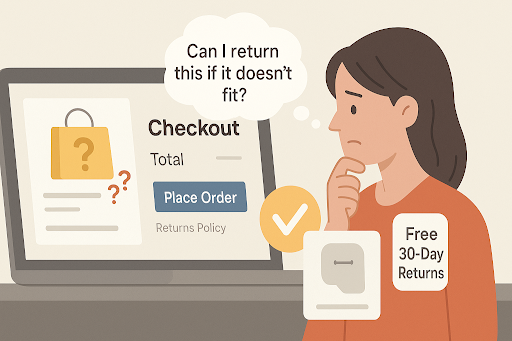
A lot of customers reach the checkout and start second-guessing themselves: What if it doesn’t fit? What if it arrives damaged? Will I be able to return it?
Uncertainty here can be a deal-breaker. Around 16% of shoppers abandon their cart because the store didn’t make the returns policy clear enough.
A lack of clarity creates risk, and when there’s money involved, people want reassurance. Especially for first-time buyers who aren’t yet familiar with your brand, not knowing whether they’ll be able to return an item can be enough to push them away.
What you can do:
Link to your returns policy clearly – Include it near the checkout button, in the site footer and on relevant product pages.
Summarise key points upfront – Instead of hiding the details in legal text, summarise the essentials: return window, who pays for return shipping, how refunds are issued and how long it takes for them to be processed.
Use plain, reassuring language – Phrases like “Free 30-day returns” or “No-hassle refunds” help build confidence.
Add a returns FAQ – Answer common questions clearly and concisely to remove friction and reduce support tickets.
Returns aren’t just a post-purchase issue — they’re part of the decision-making process. If your policy is hard to find or feels overly strict, you could be losing sales before the order even happens.
8. Technical Glitches or Slow Site Performance
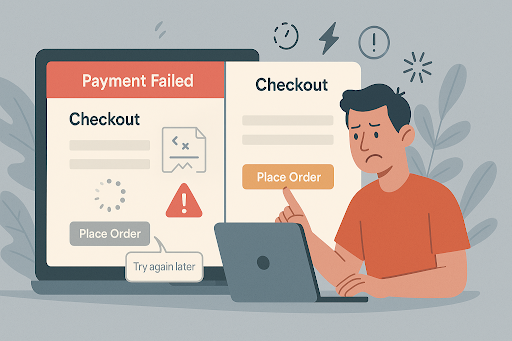
Even if a customer loves your product, a buggy website can stop them from buying. Pages freezing, payment errors, buttons not working — any of these can instantly break trust and cause frustration.
Research shows that 17% of users will abandon a purchase completely if the website crashes or experiences errors during the checkout process. For ecommerce businesses, these issues often go unnoticed until users start leaving. And once they do, most won’t return. A smooth, fast site is essential for keeping users moving toward conversion and away from bouncing.
What you can do:
Monitor your site regularly – Use tools to track page load speeds and catch bugs before your customers do.
Optimise for performance – Compress images, minimise scripts and reduce unnecessary redirects that slow things down.
Test across devices and browsers – Make sure your checkout works properly everywhere, especially on mobile.
Fix errors fast – If something breaks, act quickly to resolve it and consider a backup payment method or support option to rescue conversions in the meantime.
Speed and stability build trust. When your website works exactly how users expect it to, it makes the entire buying experience feel seamless and more reliable.
ShopWired stores run on ultra-fast Amazon Web Servers with a 99.99% uptime guarantee.
9. No Guest Checkout Option
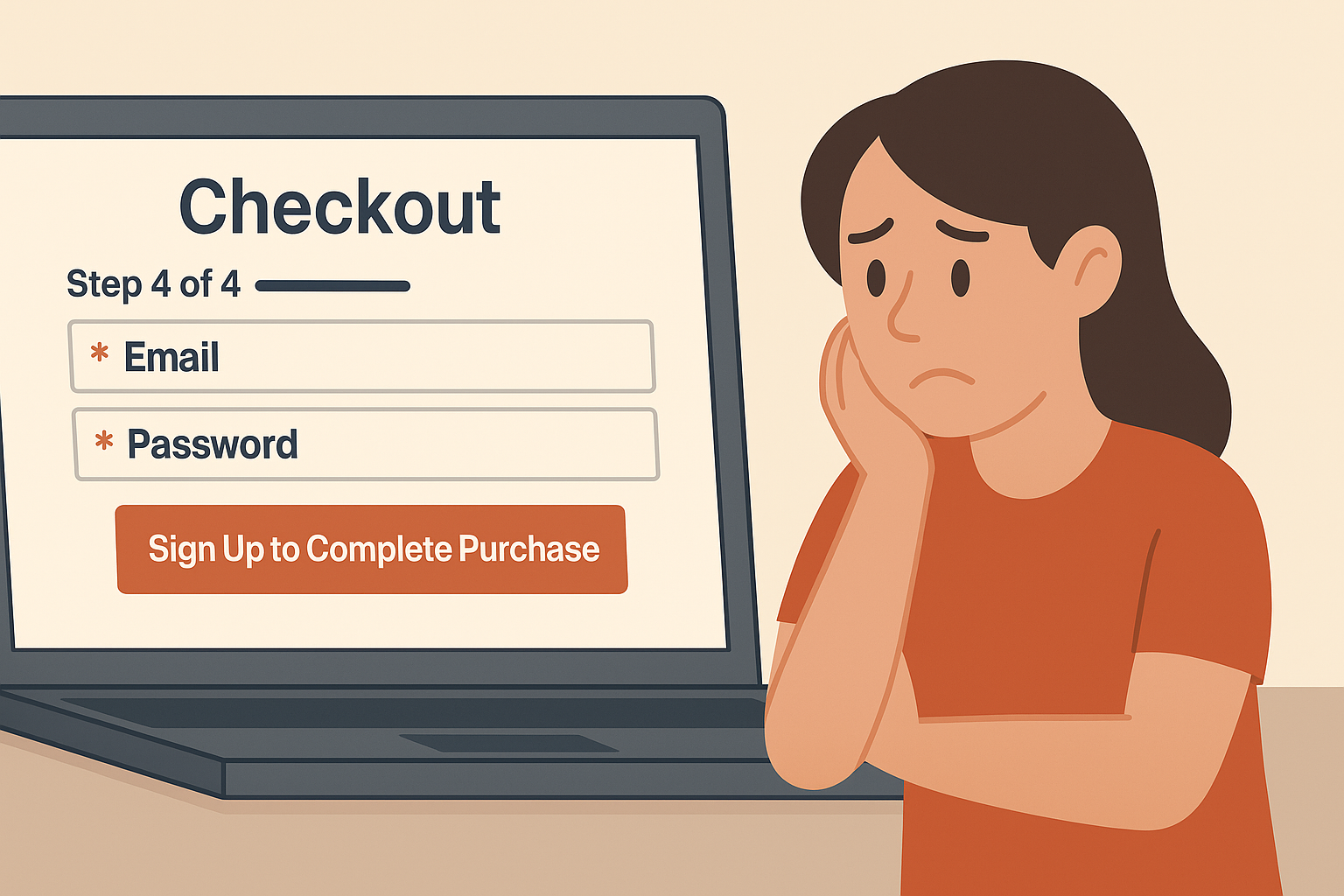
Making users register before buying might seem like a good way to capture data, but for many customers, it’s an unnecessary obstacle. They just want to buy the thing and go. If forced to create an account, many will simply leave.
In fact, around 24% of shoppers abandon their cart when guest checkout isn’t available.
What you can do:
Always offer guest checkout- Make sure customers can complete their purchase without needing to sign up.
Highlight it clearly at checkout- Let users know upfront that registration isn’t required. Avoid hiding it behind small text or unclear buttons.
Make guest checkout the default option- Instead of nudging users to register first, guide them through the fastest route to purchase.
Encourage account creation after the sale- Once they’ve completed their order, you can prompt users to save their details for next time.
Reducing friction at the point of purchase is key. If someone’s ready to buy, don’t make them jump through hoops.
10. Lack of Urgency or Incentive to Checkout
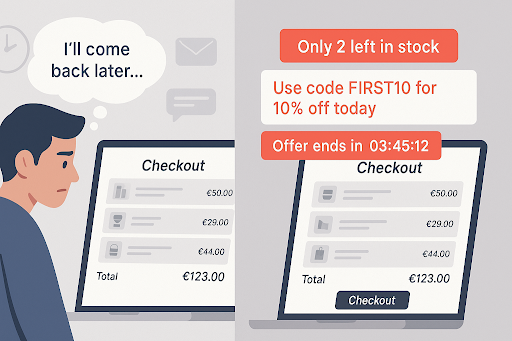
Sometimes, customers add something to their basket with the intention of returning later. But without a compelling reason to act now, they forget, get distracted or simply lose interest.
Over 40% of shoppers say they abandon carts because they were just browsing and didn’t feel ready to buy.
What you can do:
Add limited stock indicators- Show low inventory messages like “Only 3 left” to increase urgency.
Use countdown timers- Time-limited offers or same-day dispatch cut-offs can help nudge users to act quickly.
Offer first-time buyer codes- A small discount for new customers can be the push they need to convert.
Highlight how fast delivery is- Knowing an item could arrive tomorrow might make a customer complete their purchase today.
Creating urgency doesn’t mean using pressure tactics, it just means giving people a reason to stop waiting and start buying.
Final Thoughts: Turning Abandoned Carts Into Sales
Shopping cart abandonment is a normal part of ecommerce, but it doesn't have to mean lost revenue. Most of the reasons customers walk away are avoidable. By identifying where your store creates friction, confusion or doubt, you can make small, meaningful changes that encourage more people to complete their purchase.
Simplifying checkout, showing costs early, and building trust throughout the buying journey all contribute to better conversion rates. If you're using ShopWired, you already have access to features like mobile-optimised themes, abandoned cart recovery and flexible payment options to support these improvements.
Not with ShopWired yet? Try it free for 14 days and see how much smoother your checkout experience could be.